





1. How do I sync a transmitter directly to the receiver?
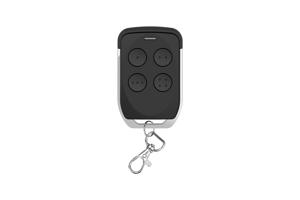
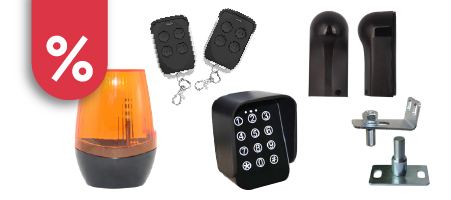
Direct recording remains the common method on newer installations. To program a gate remote control with this system, you need to access your motor's electronic board. Find the learning button, often labeled "Memo", "Prog" or "Learn".
Press this button until a light flashes. Then press the button on your new gate remote control. The receiver light will freeze or go out to confirm the signal was received correctly.
2. What are the steps to copy a signal from an old remote control?
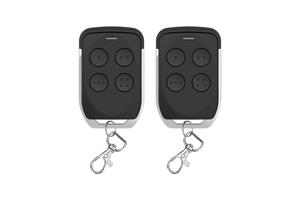
If you own a self-learning model, the transfer takes place without any intervention on the motorization. Place your original device and the new one side by side. Hold down the buttons to synchronize simultaneously on both devices. The indicator light on the new remote will flash rapidly to confirm the code has been registered. This method makes it easy to add new access for the whole family.
3. What should I do if I have difficulty during setup?
A programming failure often comes from a frequency incompatibility or a flat battery. Check that the MHz frequency of your new device matches that of your installation. Also remember to perform your operations in immediate proximity to the receiver to limit radio interference.
If the motor still refuses to register the signal, resetting the memory of the electronic card clears old errors and allows you to restart the procedure with a clean slate.
4. How do I manage access during a power outage?
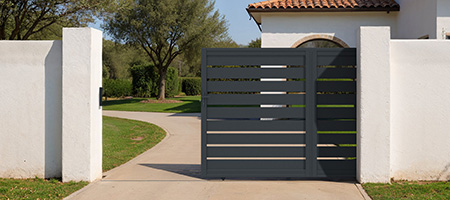
Network disruptions can sometimes prevent your automation from working when you're returning home. Loss of power renders the motor inoperable and requires manual disengagement of the system. To learn the detailed procedure and secure your property, you can read our guide explaining how to open a gate in case of power failure.
Explore our category dedicated to Gate automation to discover our equipment designed for intuitive everyday use.